
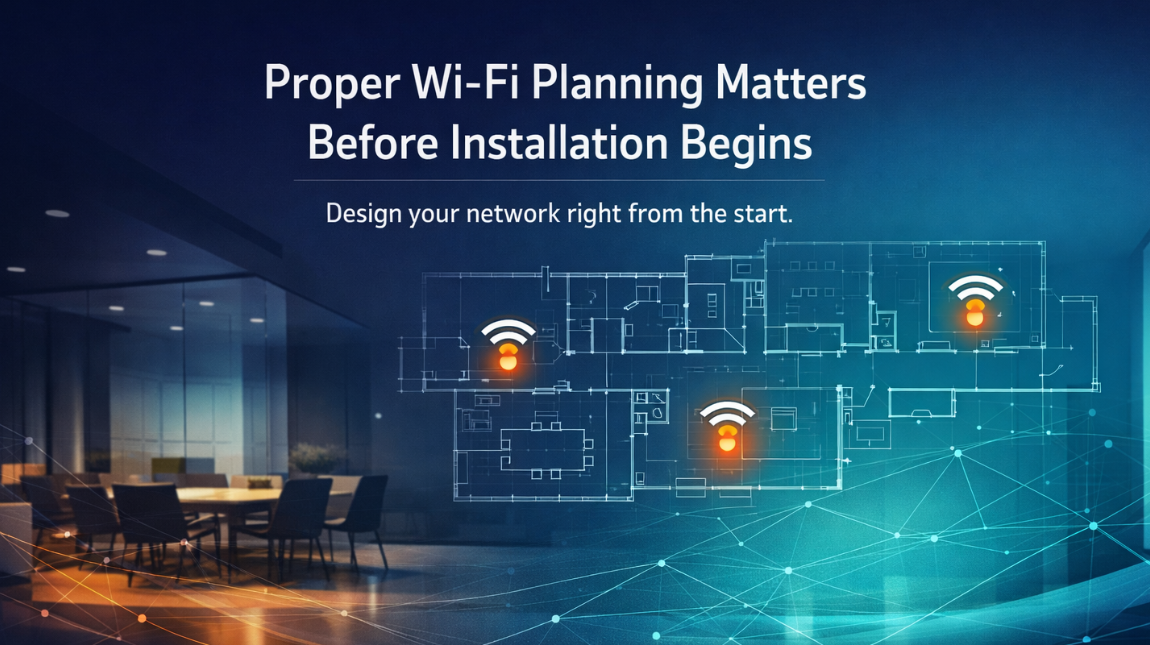
WiFi is no longer a convenience???it???s a critical infrastructure layer that powers everything from remote work and smart homes to cloud-based business operations and customer-facing services. Yet, many connectivity issues don???t stem from poor internet service or outdated equipment???they originate from something far more foundational: improper planning before installation. A well-designed WiFi network is not built by simply plugging in a router; it is carefully engineered based on environment, usage demands, device density, and long-term scalability.
In this article, we???ll break down why proper WiFi planning is essential before installation begins, what goes into designing a high-performance network, and how strategic decisions made early on can prevent costly issues later.
Understanding WiFi Planning: More Than Just Setup
Proper WiFi planning is a structured, pre-installation process that ensures your wireless network performs reliably under real-world conditions, rather than just in theory or ideal scenarios.
What WiFi Planning Actually Involves
Before any hardware is installed, professionals evaluate:
- Physical layout of the space
- Number and type of connected devices
- Expected usage (streaming, VoIP, gaming, cloud apps)
- Potential interference sources
- Security requirements
This process transforms WiFi installation from a guesswork-based task into a data-driven engineering solution.
The Real Cost of Skipping WiFi Planning
Skipping the planning phase may seem like a shortcut, but it often leads to long-term performance issues, higher costs, and user frustration, especially in environments where connectivity is critical.
Common Problems Caused by Poor Planning
| Issue | Root Cause | Impact |
| Dead zones | Poor access point placement | No connectivity in certain areas |
| Slow speeds | Overloaded network or interference | Reduced productivity |
| Frequent disconnections | Weak signal coverage | Unreliable user experience |
| Security gaps | Improper configuration | Increased vulnerability |
| Network congestion | No bandwidth planning | Lag during peak usage |
These problems often require reinstallation, additional hardware, or costly wifi troubleshooting, all of which could have been avoided with proper planning.
Site Surveys: The Foundation of Strong WiFi
A professional WiFi plan begins with a site survey, which evaluates how signals will behave in a real environment rather than relying on assumptions.
Types of Site Surveys
- Predictive Survey
- Uses software modeling based on floor plans
- Estimates signal coverage and interference
- Passive Survey
- Measures existing WiFi signals
- Identifies interference and weak spots
- Active Survey
- Tests real-world performance under load
- Simulates actual user activity
Why Site Surveys Matter
Because WiFi signals are affected by physical barriers, even small environmental differences can significantly impact performance:
- Concrete walls weaken signals
- Glass can reflect signals unpredictably
- Metal surfaces cause interference
- Multi-floor layouts create coverage gaps
Without a survey, placement decisions are essentially guesses.
Strategic Access Point Placement
One of the most critical aspects of WiFi planning is determining where access points (APs) should be installed, and more importantly, where they should not be.
Key Placement Principles
- Centralized placement for even coverage
- Avoiding corners, closets, and obstructions
- Spacing APs to prevent overlap and interference
- Positioning based on user density, not just square footage
Example: Poor vs Proper Placement
| Scenario | Result |
| Single router in one corner | Strong signal nearby, weak elsewhere |
| Multiple poorly placed APs | Interference and instability |
| Strategically placed APs | Seamless coverage and stable performance |
Proper placement ensures that users experience consistent connectivity regardless of location within the space.
Bandwidth Planning and Device Load Management
Modern networks must handle far more than just a few laptops or smartphones???they support dozens or even hundreds of connected devices simultaneously, each competing for bandwidth.
Factors That Affect Bandwidth Needs
- Number of users
- Type of applications (video conferencing vs browsing)
- IoT devices (smart TVs, cameras, sensors)
- Peak usage times
Typical Bandwidth Requirements
| Activity | Average Bandwidth Needed |
| Web browsing | 1???5 Mbps |
| Video streaming (HD) | 5???10 Mbps |
| Video conferencing | 10???25 Mbps |
| Online gaming | 15???50 Mbps |
| Cloud-based work | 20+ Mbps |
Without proper planning, networks become congested, leading to lag, buffering, and dropped connections.
Interference Management: The Invisible Challenge
WiFi operates over radio frequencies, which means it can be affected by external and internal interference sources that are often overlooked.
Common Sources of Interference
- Neighboring WiFi networks
- Bluetooth devices
- Microwave ovens
- Wireless cameras and smart devices
- Thick construction materials
Planning for Interference
- Selecting optimal channels
- Using dual-band or tri-band systems
- Implementing frequency separation strategies
- Adjusting transmission power levels
Proper planning ensures that your network operates in the cleanest possible signal environment, reducing disruptions.
Security Planning from the Start
Security should never be an afterthought???it must be integrated into the WiFi design from the beginning.
Key Security Considerations
- Network segmentation (separating guest and internal networks)
- Encryption standards (WPA2/WPA3)
- Firewall integration
- Access control policies
- Device authentication
Why Early Security Planning Matters
Retrofitting security after installation often leads to:
- System vulnerabilities
- Compatibility issues
- Increased complexity
Planning security early ensures a network that is both high-performing and protected.
Scalability: Designing for Future Growth
A well-planned WiFi network is not just built for today???it is designed to adapt to future needs without requiring a complete overhaul.
What Scalability Looks Like
- Adding more access points without redesign
- Supporting increased device counts
- Handling higher bandwidth demands
- Integrating new technologies (IoT, smart systems)
Planning for Growth
| Scenario | Without Planning | With Planning |
| Business expansion | Network fails under load | Seamless scaling |
| More devices added | Slow speeds | Stable performance |
| New applications | Compatibility issues | Smooth integration |
Future-proofing your network saves time, money, and operational disruptions.
Residential vs Commercial WiFi Planning
While the principles are similar, the complexity and requirements differ significantly between home and business environments.
Key Differences
| Factor | Residential | Commercial |
| Device count | Low to moderate | High to very high |
| Usage type | Streaming, browsing | Critical operations, cloud apps |
| Security needs | Basic | Advanced |
| Coverage area | Smaller | Larger, multi-zone |
| Downtime tolerance | Moderate | Very low |
Understanding these differences ensures that the network is designed appropriately for its intended use.
The Role of Professional WiFi Design
While DIY setups may work for small, simple environments, complex spaces require expert-level planning to achieve reliable performance.
What Professionals Bring
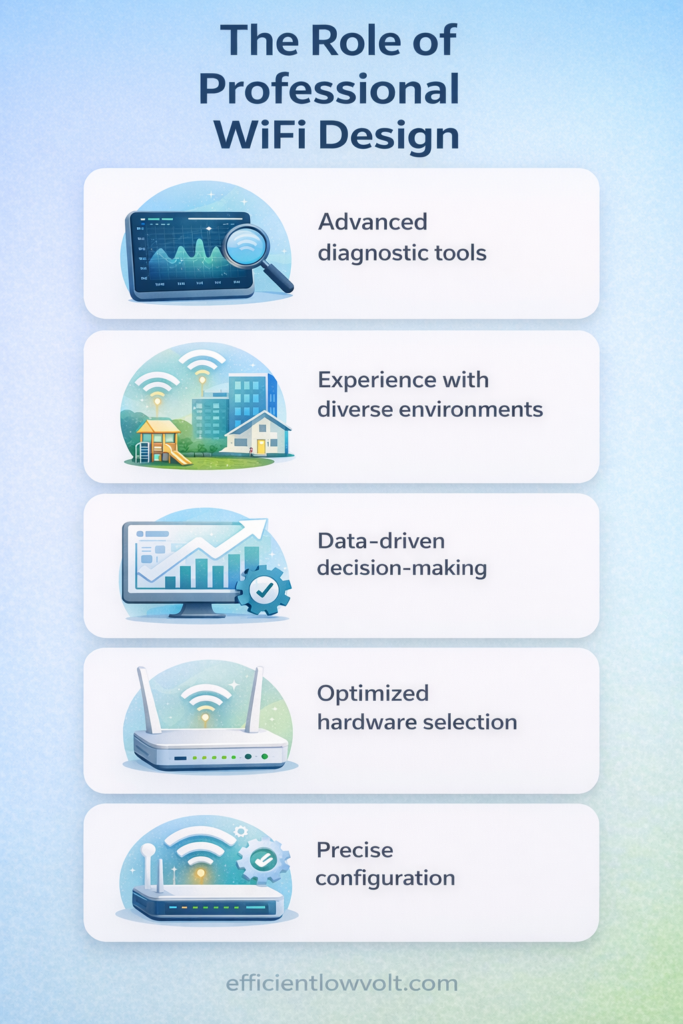
- Advanced Diagnostic Tools: Professionals use specialized tools such as spectrum analyzers, heat-mapping software, and network simulators to accurately measure signal strength, detect interference sources, and predict real-world performance???allowing them to design a network based on precise data rather than assumptions.
- Experience with Diverse Environments: Years of working across residential homes, multi-floor offices, warehouses, and commercial facilities enable professionals to anticipate challenges like signal obstruction, high device density, and structural interference, ensuring the network performs reliably in any setting.
- Data-Driven Decision-Making: Instead of relying on guesswork, professionals analyze usage patterns, bandwidth requirements, and environmental factors to make informed decisions that optimize both performance and efficiency, especially during peak usage conditions.
- Optimized Hardware Selection: Professionals carefully choose routers, access points, and supporting equipment that match the specific needs of the space, ensuring compatibility, scalability, and long-term reliability rather than over- or under-investing in technology.
- Precise Configuration: Beyond installation, professionals fine-tune network settings such as channel allocation, frequency bands, power levels, and Quality of Service (QoS), ensuring smooth connectivity, minimal interference, and consistent performance across all connected devices.
Professional planning eliminates trial-and-error and ensures that the network is engineered for performance from day one.
Key Steps in a Proper WiFi Planning Process
A structured approach ensures nothing is overlooked.
Step-by-Step Planning Process
- Initial Consultation: Gather detailed information about how the network will be used, including number of users, types of activities, performance expectations, and any existing connectivity issues that need to be addressed.
- Site Assessment: Analyze the physical environment, including building layout, construction materials, potential interference sources, and areas that require strong or specialized coverage.
- Capacity Planning: Calculate the total bandwidth needed based on device count, usage intensity, and peak demand periods to ensure the network can handle real-world load without slowdowns.
- Network Design: Strategically map out access point placement, coverage zones, and system configuration to deliver consistent signal strength and seamless connectivity across the entire space.
- Security Planning: Establish security measures such as encryption standards, guest network segmentation, and access controls to protect data and prevent unauthorized usage.
- Scalability Strategy: Design the network with future growth in mind, allowing for easy expansion, additional devices, and increased bandwidth without requiring a full system overhaul.
- Pre-Installation Testing: Use predictive tools and simulations to validate the design, ensuring that coverage, performance, and reliability targets are met before actual installation begins.
High-Impact Benefits of Proper WiFi Planning
When done correctly, planning delivers measurable advantages:
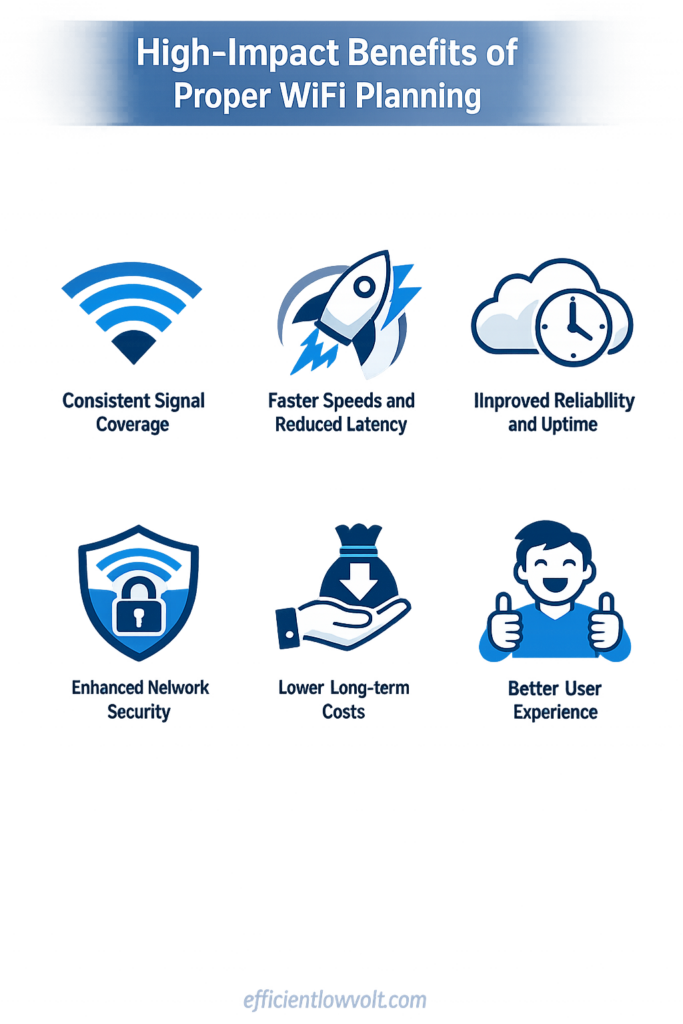
- ??? Consistent signal coverage throughout the space
- ??? Faster speeds and reduced latency
- ??? Improved reliability and uptime
- ??? Enhanced network security
- ??? Lower long-term costs
- ??? Better user experience
These benefits directly impact productivity, satisfaction, and operational efficiency.
Build a Stronger Network from the Ground Up
Proper WiFi planning is the difference between a network that simply ???works sometimes??? and one that delivers consistent, high-performance connectivity in every corner of your space, supporting everything from everyday browsing to mission-critical operations without interruption. By investing time and expertise into planning before installation begins, you eliminate guesswork, reduce long-term costs, and create a network that is reliable, secure, and ready to scale as your needs evolve.
If you???re looking to implement a WiFi system that is engineered for performance and designed for simplicity, Efficient Low Voltage Solutions & System Integration provides expertly planned and professionally installed wireless networks tailored to your environment. Whether for residential, office, or commercial use, their team ensures your connectivity is built right from the start???delivering dependable, future-ready WiFi you can trust.