

WiFi has quietly become the bloodstream of modern life. At home, it powers streaming, smart TVs, security systems, and even voice-controlled lighting. In businesses, it drives cloud applications, point-of-sale systems, employee communication, and guest access. When performance falters, productivity and enjoyment both suffer.
Wifi solutions provide the backbone for seamless connectivity in every environment. For homeowners, they ensure uninterrupted streaming, strong coverage in every corner, and reliable operation for all connected devices. For businesses, they support operational continuity, cloud migrations, and an exceptional user experience for employees and customers alike.
Too often, users settle for subpar setups routers hidden behind cabinets, outdated firmware, and cables stretched without a plan. This guide explores how high-performance wifi solutions are designed, installed, and secured, offering practical insights for anyone responsible for modern connectivity.
What Makes WiFi High-Performance
The phrase high-performance often gets thrown around, but few understand what truly defines it. Superior WiFi is judged by how efficiently it handles traffic, adapts to multiple devices, and minimizes downtime. The four pillars of performance are bandwidth, latency, coverage, and reliability.
- Bandwidth measures the total traffic your WiFi can handle. For example, a coffee shop streaming music, running POS terminals, and serving customers simultaneously needs far more than a typical home connection.
- Latency reflects delay crucial in real-time communication, video calls, and gaming. Low latency networks feel snappy; high-latency ones feel unresponsive, even if speeds look fast on paper.
- Coverage is about reach. Strong routers and good placement ensure no room or floor is left behind.
- Reliability ensures that every device maintains stable access without frequent disconnections.
High-performance WiFi also means resilience. It should handle interference, traffic spikes, and firmware changes without major issues. Enterprise-grade routers such as those supporting Wi-Fi 6E provide multi-device handling with low interference through OFDMA and MU-MIMO technology, resulting in smoother performance for 40+ devices simultaneously.
As home automation, remote work, and smart facility systems expand, performance bottlenecks often start from weak design, not limited speed. A well-engineered setup future-proofs your entire network.
How WiFi Works: The Invisible Architecture of Connectivity

Before diving into performance and design, it helps to understand the basics what exactly is WiFi? WiFi is a wireless networking technology that allows devices like laptops, phones, and smart systems to connect to the internet and each other without physical cables. It functions as an invisible communication layer, enabling data to move freely across spaces we use every day.
WiFi operates through invisible radio waves an unseen web connecting devices across rooms and floors. Routers transmit using frequencies like 2.4GHz (longer range, slower speed) and 5GHz or 6GHz (shorter range, faster data). When signals meet physical obstacles like steel beams or concrete walls, strength drops.
A good technician understands signal physics: absorption, reflection, and refraction all affect throughput. Smart design mitigates these. Routers should be elevated, centrally located, and angled appropriately for even signal distribution.
Specialized hardware like a WiFi internet antenna improves performance by boosting reach and minimizing dead zones. An external antenna helps direct the signal more efficiently, perfect for larger buildings or outdoor patios. In commercial use, directional antennas can target high-traffic zones like meeting rooms or lobbies. For homes, omnidirectional antennas work better by spreading the connection evenly.
In short, WiFi is more than plugging in a router; its a balance of physics, equipment quality, and environmental factors.
Evaluating Your Current WiFi Setup
Before investing in upgrades, diagnose existing problems. A slow internet complaint could stem from misconfiguration or interference rather than ISP limitations.
- Inconsistent speeds between rooms.
- Dropouts during video calls or conferences.
- Long loading times even with fiber internet.
- Buffering or lag during streaming.
- Weak or disappearing signal in certain areas or floors.
- Frequent reconnections or network not found errors on devices.
- Wireless printers or smart devices losing link randomly.
- Noticeable slowdown when multiple users connect simultaneously.
- Router overheating or requiring constant reboots.
Use diagnostics tools like network analyzers or WiFi heat maps. These display strong and weak signal zones, helping identify problem areas. You might learn that your router placement not your plan limits results.
Businesses should run structured evaluations every six months, especially if employee counts or floor layouts have changed. As operations evolve, so does bandwidth usage.
When patch fixes no longer suffice, consider a complete WiFi installation for homes and businesses. This ensures balanced network design with professional calibration not guesswork.
The WiFi Installation Process Explained
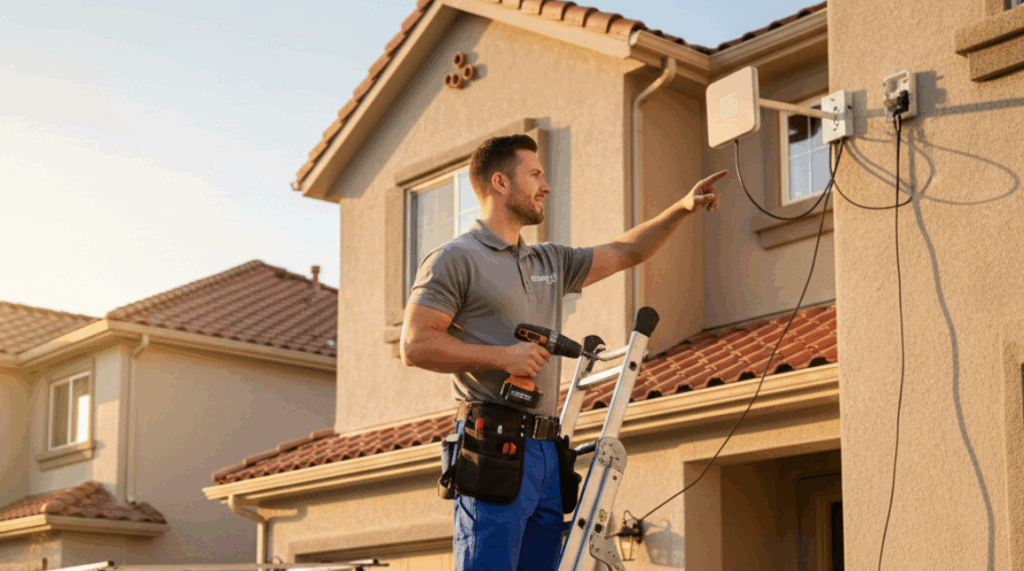
Professional WiFi installation delivers far more than simply stronger signal bars. It lays down a strategic infrastructure for long-term performance.
Heres how the process typically unfolds:
- Site Survey: A qualified technician inspects your building using analytical tools that detect interference sources, wall densities, and existing cabling.
- Blueprint Planning: The installer maps routers and access points to guarantee seamless overlap between coverage zones.
- Hardware Selection: The right access points, controllers, and switches are chosen based on space size, capacity needs, and desired scalability.
- Cabling and Configuration: Quality Ethernet cables and refined configurations minimize latency and maximize throughput.
- Security Setup: Encryption, passwords, and access separation are configured from day one.
- Performance Testing: Final checks simulate real-world loads multiple users, video calls, and downloads to verify stability.
For commercial properties, installation plans often integrate guest access management, firewall policies, and centralized management consoles. In homes, it can involve blending WiFi within smart lighting and IoT systems.
How to Boost WiFi Signal and Eliminate Dead Zones
Sometimes full reinstallation isnt necessary optimization alone can yield major improvements. If certain rooms or floors consistently suffer from poor signal, follow these best practices to boost WiFi signal effectively.
- Reassess Router Placement: Keep routers away from thick walls, metal cabinets, and enclosed spaces. Centralized, elevated areas are ideal.
- Leverage Mesh Systems: Mesh WiFi uses multiple nodes that work together, removing dead zones by creating a single continuous network. Its the modern replacement for range extenders.
- Tune Your Channels: Overcrowded frequencies can cause interference. Using channel analysis tools, switch your router to less congested channels for smoother performance.
- Upgrade Hardware: Older routers may not support modern throughput. Even switching to Wi-Fi 6 or 6E can double speed efficiency.
- Control Bandwidth Usage: Large downloads, streaming, or surveillance feeds can choke speed. Use Quality of Service (QoS) settings to prioritize real-time activities like calls or point-of-sale transactions.
- Perform Routine Maintenance: Clean router vents, reboot monthly, and ensure software is up to date.
After making these improvements, retest using speed and coverage scans. For vast facilities or outdoor campuses, professional installers can fine-tune placement with specialized antennas and POE-powered nodes.
Choosing the Right WiFi Installer or Provider
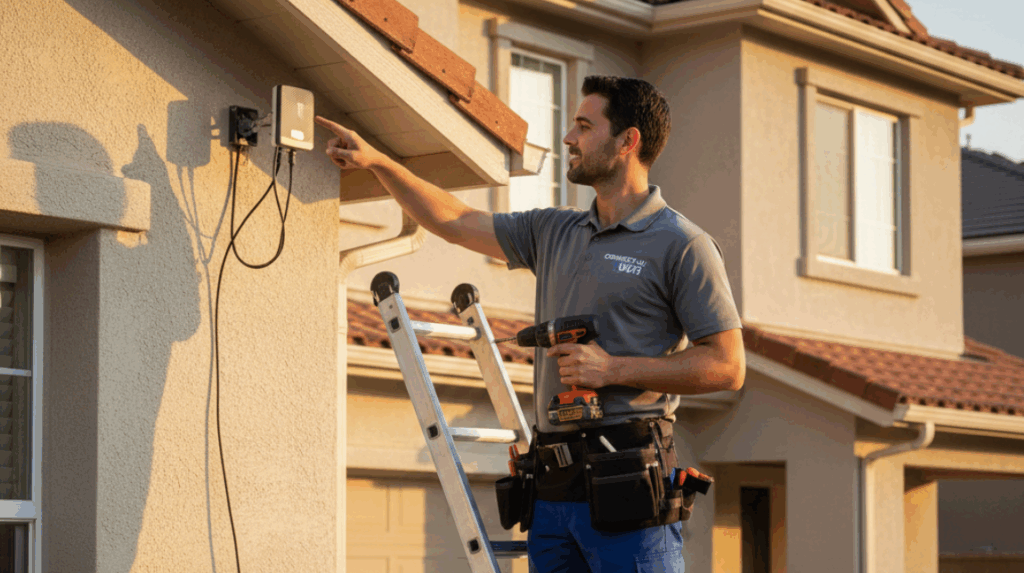
Hiring the right WiFi installer ensures your investment truly pays off. The difference between works fine and flawlessly runs is often the experience of the technician behind the setup.
When evaluating providers, ask these questions:
- Do they conduct a site survey before quoting?
- Are they trained for enterprise or residential systems?
- Which brands or models do they typically recommend, and why?
- Do they offer post-install support and maintenance contracts?
A reliable installer provides clear documentation and labels every cable and device for future troubleshooting. They plan for growth not just todays needs ensuring additional access points can be added easily down the road.
Avoid technicians who skip diagnostics or offer flat rates without understanding building layout. Thats a signal of rushed work. Facility owners especially benefit from long-term service partnerships rather than one-off jobs.
Smart Router Security Tips for Every Network
Performance and protection must grow together. Its no use having gigabit WiFi if outsiders can access your files. Implementing smart router security tips safeguards your digital ecosystem.
Key Security Practices:
- Change the Default Username and Password: Every router ships with easy-to-guess credentials; replace them immediately.
- Use WPA3 Encryption: This is now the strongest wireless protection standard.
- Update Router Firmware: Manufacturers often patch vulnerabilities post-release.
- Isolate Guest Networks: Keep visitors or clients on a separate access point to protect core data.
- Enable Network Firewalls: Basic or built-in filters can stop unauthorized inbound traffic.
- Disable Remote Management: Unless necessary, avoid exposing your routers admin portal to the web.
- Monitor Connected Devices: Routinely check your control panel for unfamiliar IP addresses.
For businesses, advanced practices such as VLAN segmentation, captive portals, and 2FA access for admins add additional layers. Even small offices should treat router security as a mandatory IT policy, not an option.
Designing WiFi Networks for Business Efficiency
Commercial networks have to do far more heavy lifting. Employees, customers, and IoT systems all compete for bandwidth. A high-performance design ensures speed doesnt collapse under pressure.
- Segmentation: Divide your network logically one for internal operations, one for guests, and one for IoT devices. This keeps private systems safe and prevents network loops.
- Capacity Planning: Predict peak demand. A co-working hub at noon will see triple the connections of the same space at night. Design for the busiest hour, not the average.
- Access Point Density: Larger warehouses or malls may require several strategically placed access points to avoid blind spots.
- Redundancy: Critical for uptime. Power backups and failover connections keep essential systems running during outages.
- Centralized Management: Enterprise software like controller dashboards lets IT staff monitor traffic patterns in real time preventing overloads before customers notice.
Strong WiFi contributes directly to efficiency by reducing digital bottlenecks that silently drain productivity.
WiFi Solutions for Homes: Optimizing Everyday Living

Home networking deserves the same strategic attention. Todays Filipino households, for example, may run a dozen smart devices at once plus work-from-home setups and remote learning.
To maximize comfort and reliability:
- Choose a dual-band or tri-band router that automatically assigns the best frequency.
- Use access points connected by Ethernet for large homes rather than over-reliant wireless extenders.
- Set parental controls, scheduling, and data caps if needed.
- Integrate smart plugs and automation systems via secure channels.
Future upgrades like solar-powered routers and energy-efficient access points are reshaping how home networks operate sustainably. Homeowners who invest early in structured WiFi setups will see higher resale value and easier smart-home integration later.
The Future of Wireless Connectivity
The next wave of wireless technology will push boundaries far beyond what Wi-Fi 6E achieved. Wi-Fi 7, already rolling out, introduces multi-link operation, reducing latency to near-zero levels. Homes could stream multiple 8K videos while offices handle hundreds of IoT devices simultaneously all within milliseconds of response.
Integration with 5G, edge computing, and private network clouds will redefine how connectivity flows. Businesses will dynamically allocate bandwidth per application, adjusting automatically in real time.
Indoor positioning systems and AI-driven balancing tools (without human intervention) will assign priority bandwidth to voice, video, or autonomous robots. The physical WiFi router will evolve into part of a self-healing ecosystem that predicts issues before they happen.
For property developers and tech-forward homeowners, planning structured cabling (Cat6A or fiber) ensures compatibility for the next decade of innovation.
Building a Future-Proof Network

A high-performance WiFi system is not an expense its an infrastructure investment. It influences everything: your customer experience, productivity, entertainment, and even home security reliability.
Whether through updated WiFi installation for homes and businesses, advanced mesh configurations, or trusted professional guidance, the goal is to stay ahead of connectivity demands.
Heres the rule of thumb: once a WiFi network becomes invisible meaning users dont notice it its truly working well.
As technology reshapes connectivity, your network should evolve too. Its time to assess your setup, implement solid Smart Router Security Tips, choose the right WiFi installer, and boost WiFi signals to create a stable, future-ready foundation.
Strong WiFi doesnt happen by accident its engineered, maintained, and constantly refined. Get it right, and everything else in your digital life simply works.
Conclusion: Building a Future-Proof Network
Investing in a professionally designed, secure, high-performance WiFi system pays long-term dividends through efficiency, reliability, and peace of mind. When your network is properly engineered, downtime decreases, productivity rises, and every device operates at its full potential. A strong wireless foundation is no longer optional its the wiring of modern life, empowering both homes and businesses to function seamlessly.
If your current setup struggles to keep up with new demands, its time to evaluate and upgrade strategically. Assess coverage, security, and capacity before they become daily frustrations. Consulting an experienced installer ensures your next WiFi system grows with your environment rather than holding it back. For guidance, planning insights, or a professional on-site review, connect with Efficient Low Voltage Solutions & System Integration your trusted partner in future-ready network design. Schedule a consultation today or download our free WiFi performance checklist to start strengthening your connection framework.